Marketing
10 Tools for WordPress Freelance Web Designers
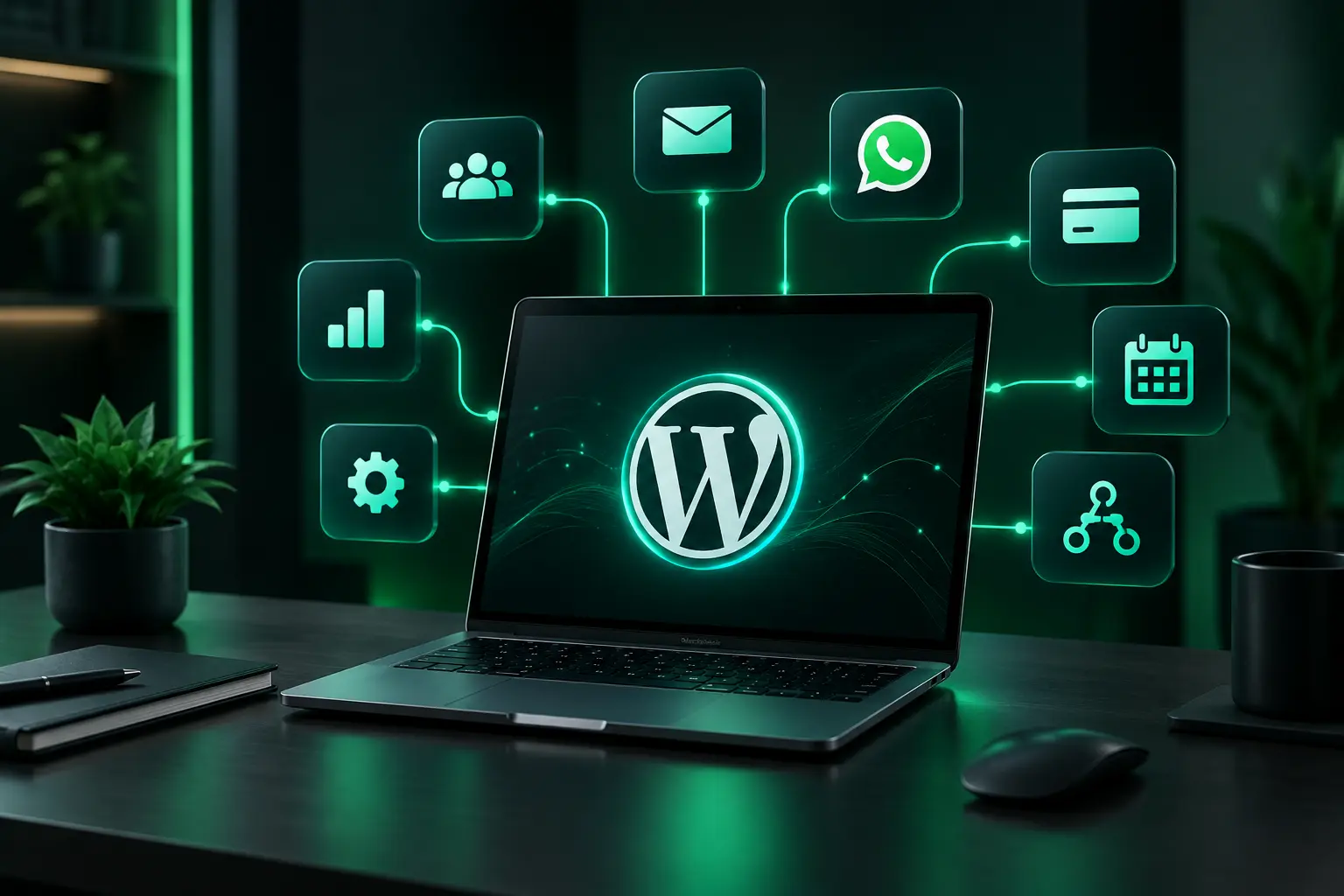
Being a WordPress freelance web designer is not only about designing websites. You also need the right tools to build, test, secure, and manage websites.
Good tools can save you time and help you avoid common problems. They can also make it easier to manage your client websites.
Here are 10 useful tools that every WordPress web designer should know.
1. UpdraftPlus
Backups are very important for every WordPress website. UpdraftPlus is a popular WordPress backup plugin.
It lets you create backups and save them to cloud storage such as Google Drive, Dropbox, and Amazon S3.
Key Features
- Automatic backups
- Manual backups
- Easy website restore
- Cloud storage support
- WordPress multisite support
As a freelancer, you should always have a backup before making major changes to a client’s website.
2. InstaWP
InstaWP lets you create a WordPress website quickly. You can use it to test plugins, try new designs, or show a website to a client.
You do not need to set up WordPress on your hosting every time you want to test something.
Key Features
- Create WordPress websites quickly
- Test plugins and themes
- Create demo websites
- Share websites with clients
- Useful for development and testing
It can save a lot of time when you need a clean WordPress website for testing.
3. Query Monitor
Sometimes a WordPress website becomes slow. Query Monitor can help you find the problem.
It shows information about database queries, PHP errors, plugins, themes, and other parts of WordPress.
Key Features
- Find slow database queries
- Check PHP errors
- Check plugin problems
- Check theme problems
- Find performance issues
For a freelance WordPress developer, this tool can make it easier to find and fix technical problems.
4. CSS Hero
Sometimes you need to make small design changes to a WordPress website. CSS Hero lets you make these changes without writing a lot of CSS code.
You can edit website elements and see the changes live.
Key Features
- Visual CSS editing
- Live changes
- Responsive editing
- Easy design changes
- Works with many WordPress themes
It is useful when you need to make quick changes to colors, spacing, fonts, and other design elements.
5. Speed Booster Pack
A fast website gives visitors a better experience. It can also help with website performance and SEO.
Speed Booster Pack includes tools that can help improve WordPress website speed.
Key Features
- Optimize CSS and JavaScript
- Lazy load images
- Reduce unnecessary files
- Optimize Google Fonts
- Improve website performance
Always test your website after changing speed settings. Some settings can cause problems if they are not configured correctly.
6. Page Builders
Page builders make it easier to create WordPress websites. Popular options include Elementor, Beaver Builder, and WPBakery.
You can use them to create pages without writing every part of the website code yourself.
Key Features
- Drag-and-drop editing
- Ready-made templates
- Easy page design
- Responsive controls
- Reusable sections
Choose a page builder that works well with your workflow. Elementor is one popular choice among WordPress web designers.
7. WP Mail SMTP
A contact form is not useful if the emails do not reach the client.
WP Mail SMTP helps WordPress websites send emails through an SMTP service. This can make email delivery more reliable.
Key Features
- SMTP setup
- Support for popular email services
- Email delivery checks
- Email logs on supported plans
- Helps reduce email delivery problems
This is especially useful for websites with contact forms, booking forms, and enquiry forms.
8. WP Umbrella
Managing many WordPress websites can take a lot of time. WP Umbrella lets you manage several websites from one dashboard.
You can use it to check website updates, errors, uptime, and other important information.
Key Features
- Monitor websites
- Manage plugin updates
- Manage theme updates
- Check PHP errors
- Create client reports
- Monitor website performance
This can make website maintenance easier for freelancers who manage multiple client websites.
9. WordPress Security Plugins
Security is important for every WordPress website. Security plugins can help protect websites from common attacks and suspicious activity.
Popular options include Wordfence, Sucuri, and Solid Security.
Key Features
- Firewall protection
- Malware scanning
- Two-factor authentication
- Login protection
- Brute-force protection
- Security alerts
A security plugin is not enough on its own. You should also use strong passwords, keep WordPress updated, and maintain regular backups.
10. Yoast SEO
SEO is important when building a website for a business. Yoast SEO helps you manage many basic SEO settings in WordPress.
It can help with SEO titles, meta descriptions, XML sitemaps, and content optimization.
Key Features
- SEO analysis
- Meta title and description settings
- Readability checks
- XML sitemaps
- Social media previews
- Schema-related features
Remember that an SEO plugin alone cannot guarantee higher Google rankings. You also need good content, keyword research, internal links, and a well-built website.
How These Tools Help Freelance Web Designers
Each tool has a different purpose:
- UpdraftPlus – Website backups
- InstaWP – Testing and demo websites
- Query Monitor – Finding technical problems
- CSS Hero – Making design changes
- Speed Booster Pack – Website speed
- Page builders – Building website pages
- WP Mail SMTP – Email delivery
- WP Umbrella – Managing multiple websites
- Security plugins – Website protection
- Yoast SEO – Basic SEO management
You do not need to use all these tools on every project. Choose the tools that fit your website and your client’s needs.
Conclusion
A good WordPress freelance web designer needs more than design skills. The right tools can make your work faster and easier.
You can use different tools for backups, testing, website speed, security, email, page building, and SEO.
You do not need hundreds of tools. Start with the ones you really need and build a simple workflow that works for you.
With the right tools and a good process, you can save time, avoid common problems, and deliver better WordPress websites to your clients.
Keep reading