
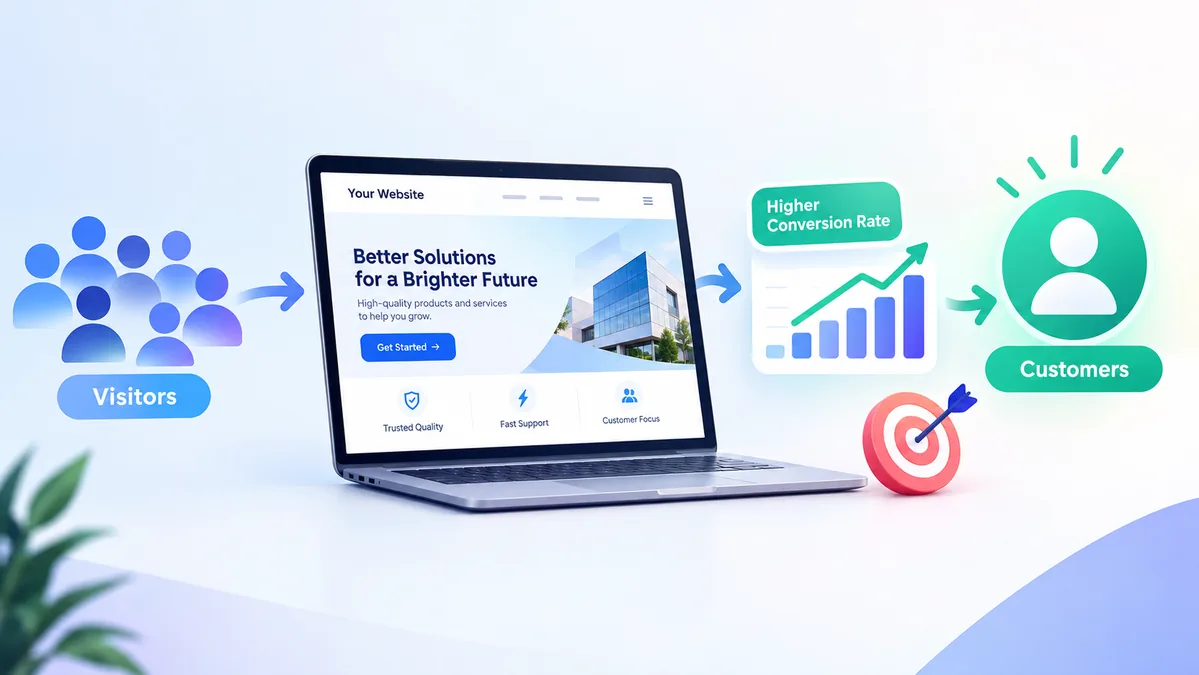
Getting visitors to your website is only one part of building a successful online business. The next step is helping those visitors take action.
Some visitors may contact you, request a quote, book a consultation, sign up for a service, or purchase a product. Others may leave the website without doing anything. This is where website conversion rate optimization (CRO) becomes important.
Website conversion rate optimization focuses on improving your website so that more visitors complete a specific action. It combines website design, user experience, content, calls to action, page speed, trust signals, analytics, and testing to reduce friction and make the user journey easier.
A good CRO strategy does not simply mean changing a button or adding more sales messages. It starts by understanding what visitors need and using data to identify where the website can be improved.
What Is Website Conversion Rate Optimization?
Website conversion rate optimization is the process of improving a website to increase the percentage of visitors who complete a desired action.
A conversion can be different for every business. For example, a service business may consider these actions conversions:
- Filling out a contact form
- Requesting a quote
- Booking a consultation
- Calling the business
- Sending a WhatsApp message
- Downloading a resource
- Signing up for an email list
For an ecommerce website, a conversion may be completing a purchase, adding a product to the cart, or starting the checkout process.
The basic conversion rate formula is:
Conversion Rate = (Number of Conversions ÷ Number of Visitors) × 100
However, there is no single conversion rate that is considered good for every website. Results can vary depending on the industry, traffic source, offer, audience, pricing, and type of conversion. It is more useful to track your own website performance over time and identify opportunities for improvement.
Why Does Website CRO Matter?
Many businesses focus heavily on getting more website traffic. SEO, paid advertising, social media, and other marketing activities can bring visitors to your website, but traffic alone does not guarantee leads or sales.
If visitors cannot quickly understand what you offer or find the next step, some of that traffic may be lost.
CRO helps you make better use of the visitors you already have.
For example, imagine a website receives 5,000 visitors every month but very few people contact the business. Instead of immediately trying to double traffic, you can first investigate why visitors are not taking action.
The problem could be:
- A confusing homepage
- Weak or unclear messaging
- Difficult navigation
- A slow website
- Poor mobile experience
- Long contact forms
- Missing trust signals
- Unclear pricing or service information
- Weak calls to action
- A complicated checkout process
CRO provides a structured way to identify these problems and test potential improvements. Research-based experimentation is an important part of CRO because assumptions about what users want do not always match actual user behavior.
1. Make Your Website’s Main Message Clear
When someone lands on your website, they should quickly understand three things:
What do you offer?
Who is it for?
What should they do next?
Your homepage hero section plays an important role here.
Instead of using a vague headline such as:
“Welcome to Our Website”
use a clear message that explains the service and its benefit.
For example:
“Professional Website Design for Growing Businesses”
The supporting text can explain what you provide and who you work with.
Then include a clear CTA such as:
“Request a Website Quote”
or
“Book a Consultation”
Clear messaging reduces the amount of effort visitors need to understand your offer.
2. Use Clear Calls to Action
A call to action, or CTA, tells visitors what to do next.
Examples include:
- Get a Quote
- Book a Consultation
- Contact Us
- Start Your Project
- View Our Services
- Request a Callback
- Buy Now
- Get Started
A CTA should match the visitor’s stage in the buying journey.
For example, someone reading an educational blog post may not be ready to purchase immediately. A CTA such as “Learn More About Our Services” may be more appropriate than an aggressive sales message.
CTAs should also be easy to find and understand. CRO guidance commonly recommends testing CTA wording, placement, design, and other page elements rather than assuming one version will always perform best.
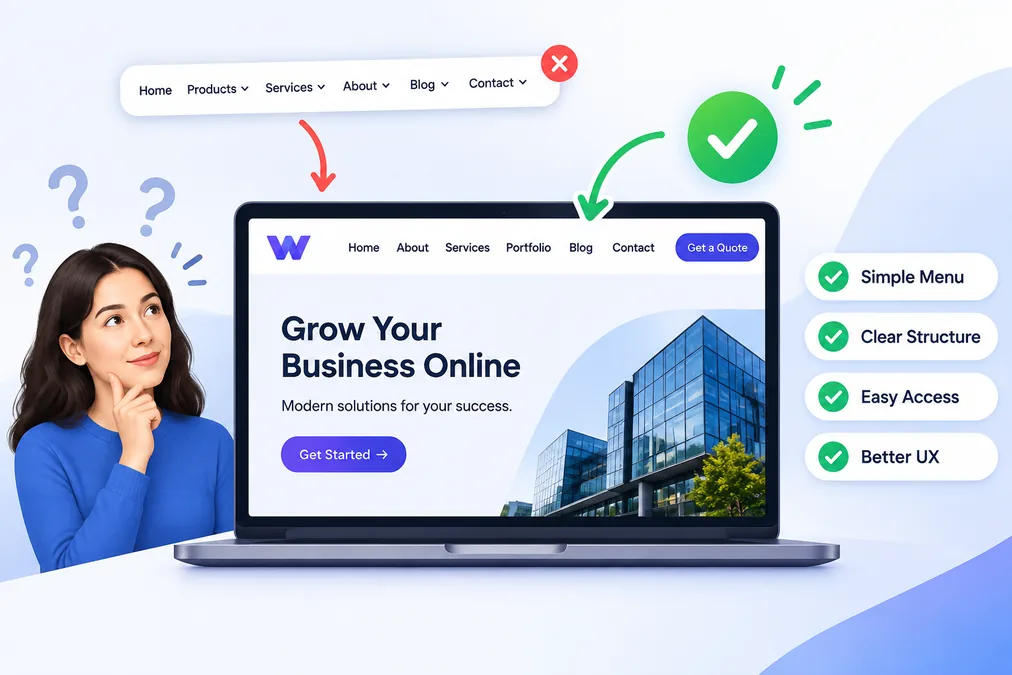
3. Improve Website Navigation
Good navigation helps visitors find the information they need without confusion.
Your main navigation should be simple and organized around important pages.
Depending on the website, this could include:
- Home
- About
- Services
- Portfolio
- Blog
- Contact
Avoid filling the navigation with too many options.
Visitors should be able to move from one page to another naturally. A clear structure can also help users understand what the business offers and where they should go next.
If a visitor has to search through multiple menus to find a service or contact page, the website is creating unnecessary friction.
4. Build Trust With Your Website Design
Visitors may not contact or buy from a business if they do not trust it.
Your website should provide enough information to help people feel confident about taking the next step.
Trust signals can include:
- Customer reviews
- Testimonials
- Case studies
- Client logos
- Portfolio examples
- Certifications
- Business information
- Clear contact details
- Secure payment information
- Guarantees where applicable
- Professional photography
For service businesses, showing previous work can be especially useful.
A web designer, for example, can use a portfolio to demonstrate the quality and type of websites they create.
Trust signals are a recognized part of CRO because they can reduce uncertainty and help visitors feel more comfortable taking action.
5. Make Your Website Mobile Friendly
A website should provide a good experience across different screen sizes.
Mobile visitors should be able to:
- Read the content easily
- Navigate the menu
- Click buttons comfortably
- Complete forms
- View images correctly
- Contact the business
- Complete purchases where applicable
A website that looks good on a desktop but is difficult to use on a phone can create unnecessary conversion problems.
Check important pages on real mobile devices, not just a desktop browser. Pay particular attention to the hero section, CTA buttons, forms, navigation, product information, and checkout experience.
Mobile responsiveness is a standard CRO consideration because important functionality and calls to action need to remain usable across devices.
6. Improve Website Speed
Website performance can affect the user experience.
When pages take too long to load, visitors may leave before seeing the content or completing an action.
Start by checking your website performance and identifying areas that can be improved.
Common areas include:
- Large image files
- Unnecessary scripts
- Too many plugins
- Poorly optimized code
- Excessive animations
- Unused CSS and JavaScript
- Slow hosting
- Third-party resources
Speed optimization should be part of an overall website improvement process rather than treated as a separate task.
A faster, easier-to-use website can reduce friction and give visitors a smoother experience.
7. Simplify Contact Forms
Contact forms are often an important conversion point for service businesses.
If a form asks for too much information, some visitors may decide not to complete it.
Start by asking only for information that is necessary at that stage.
For example, a simple form might ask for:
- Name
- Phone
- Project details
You can collect additional information later if necessary.
The goal is to make the next step simple while still collecting the information your business actually needs.
8. Create Dedicated Landing Pages
Sending every visitor to your homepage is not always the best approach.
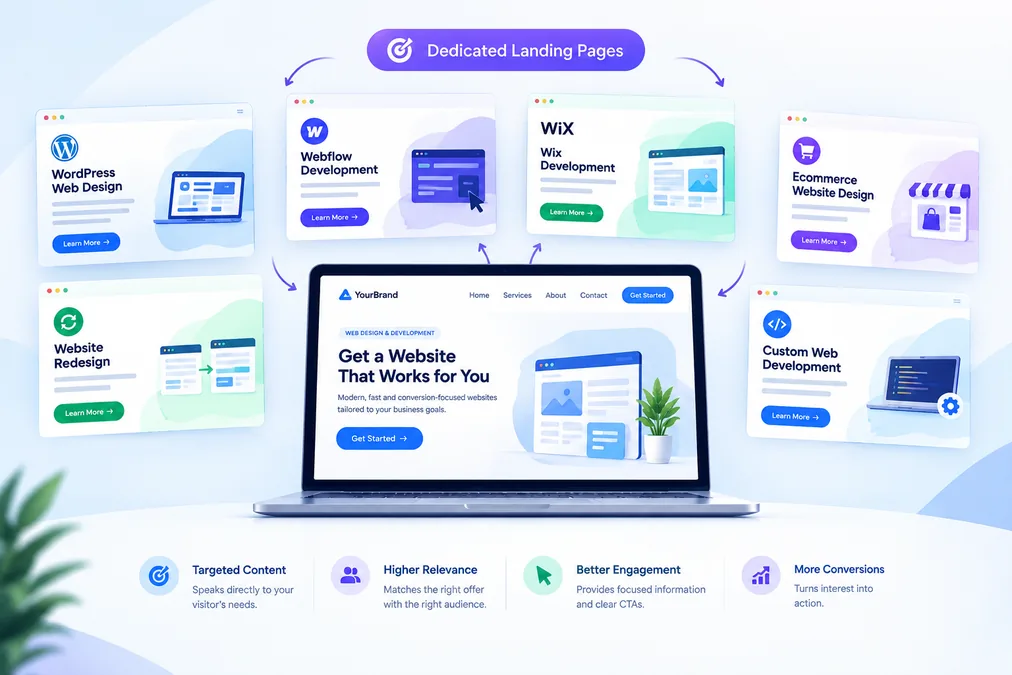
A dedicated landing page can focus on a particular service, product, audience, or campaign.
For example, a web design business could create separate pages for:
- WordPress Web Design
- Webflow Development
- Wix Development
- Ecommerce Website Design
- Website Redesign
- Custom Web Development
Each page can focus on a specific visitor need and provide a relevant CTA.
This creates a more direct connection between what the visitor is looking for and what the website offers.
9. Use Content to Help Visitors Make Decisions
Not every visitor is ready to contact you immediately.
Some people are still researching their options.
Useful content can help answer their questions and move them closer to taking action.
For example, a web design website could publish articles about:
- Website design costs
- Website redesign
- Choosing a website platform
- Website conversion optimization
- Website speed
- Mobile-friendly web design
- Ecommerce website design
- WordPress vs Webflow
Your blog can then guide interested readers toward relevant service pages.
This creates a natural path:
Search → Helpful Content → Service Page → Contact → Conversion
CRO can therefore work alongside SEO rather than being treated as a completely separate strategy. High-traffic content can also be reviewed to identify opportunities for relevant CTAs and internal links.
10. Use Analytics to Understand Visitor Behavior
You should not make CRO decisions based only on personal opinions.
Website analytics can help you understand how visitors interact with your website.
Useful metrics include:
- Visitors
- Traffic sources
- Engagement
- Conversion rate
- Form submissions
- CTA clicks
- Landing page performance
- Exit pages
- Device type
- User journey
Tools such as Google Analytics can help you understand website traffic and conversions.
Heatmaps and session-recording tools can provide additional information about how users interact with pages. Mouseflow, for example, describes CRO as an evidence-based process that combines research, user behavior, and experimentation.
The goal is not simply to collect data. The goal is to use the data to identify problems and decide what should be tested or improved.
11. Test Your Ideas With A/B Testing
A/B testing compares two versions of a page or element to determine how they perform against a defined goal.
For example, you could test:
Version A: “Contact Us”
Version B: “Request a Free Quote”
You could also test:
- Headlines
- CTA wording
- CTA placement
- Images
- Form layouts
- Page structure
- Pricing presentation
- Navigation
- Landing page content
The important point is to have a clear hypothesis and measurement goal.
A test should help you learn something about visitor behavior. Optimizely emphasizes experimentation and evidence rather than relying only on assumptions or opinions when making CRO decisions.
12. Focus on the Pages That Matter Most
You do not necessarily need to optimize every page at the same time.
Start with pages that have meaningful traffic or are important to the conversion journey.
These may include:
- Homepage
- Service pages
- Product pages
- Pricing pages
- Landing pages
- Contact page
- Checkout pages
- High-traffic blog posts
For example, if a service page receives thousands of visitors but generates very few enquiries, it may deserve closer attention.
This approach allows you to prioritize CRO work based on actual website data rather than making changes randomly.
Common Website Conversion Rate Optimization Mistakes
CRO can become less effective when businesses focus on changes without understanding the underlying problem.
Here are some common mistakes to avoid.
Changing Too Many Things at Once
If you change the headline, CTA, layout, images, forms, and navigation simultaneously, it can become difficult to understand which change affected performance.
Designing for Yourself Instead of Your Visitors
You may like a particular design, color, animation, or layout, but your personal preference does not necessarily reflect visitor behavior.
Use research and data to guide decisions.
Adding Too Many CTAs
Having multiple competing CTAs can make the page confusing.
Give visitors a clear next step based on the page’s purpose.
Ignoring Mobile Users
Always check important pages on mobile devices.
Focusing Only on Traffic
More visitors do not automatically mean more customers.
Look at what visitors do after they arrive.
Making Changes Without Measuring Results
If you cannot measure the outcome, it becomes difficult to know whether an optimization actually helped.
Website Conversion Rate Optimization Checklist
Use this checklist when reviewing your website:
- Is the main value proposition clear?
- Can visitors understand the service quickly?
- Is the primary CTA easy to find?
- Does each important page have a clear next step?
- Is the navigation simple?
- Does the website work well on mobile?
- Are pages loading quickly?
- Are contact forms simple?
- Are reviews or testimonials visible?
- Is previous work or social proof available?
- Are service pages focused on specific user needs?
- Are important landing pages optimized?
- Are analytics and conversion tracking configured?
- Are high-traffic pages being reviewed?
- Are CRO changes based on user data?
- Are important changes tested where appropriate?
How Web Design Supports Conversion Optimization
Conversion rate optimization is closely connected to web design.
A website’s design affects how visitors understand information, navigate pages, interact with forms, find CTAs, and decide whether to continue.
That is why conversion-focused web design should consider both appearance and function.
A professional website should not only look attractive. It should also make it easy for visitors to understand the business and take the next step.
This includes:
Clear structure: Information is organized logically.
Strong visual hierarchy: Important content gets appropriate attention.
Simple navigation: Visitors can find important pages easily.
Responsive design: The website works across different devices.
Clear CTAs: Visitors understand what action to take.
Trust elements: Visitors can find evidence that supports the business.
Fast performance: Pages load efficiently.
Simple user journeys: Visitors can move from information to action without unnecessary steps.
Final Thoughts
Website conversion rate optimization is an ongoing process, not a one-time website change.
The goal is not to make random design changes or chase a specific conversion percentage. Instead, identify where visitors experience problems, understand their behavior, make improvements, and measure the results.
Start with the most important pages on your website. Improve your messaging, simplify navigation, strengthen your CTAs, build trust, optimize mobile experiences, improve page speed, and make forms easier to complete.
Then use analytics and testing to learn what works for your audience.
A well-designed website should do more than attract visitors. It should help those visitors understand your business, trust your offer, and take the next step.
If your website is getting traffic but not generating enough enquiries or sales, a conversion-focused redesign can help identify opportunities to improve the user experience and create a clearer path from visitor to customer.
Looking for a professional website designed around your business goals? Explore Web Designer Dubai’s web design and development services to create a modern, responsive, and user-focused website.